Register for Public Portal as a public user
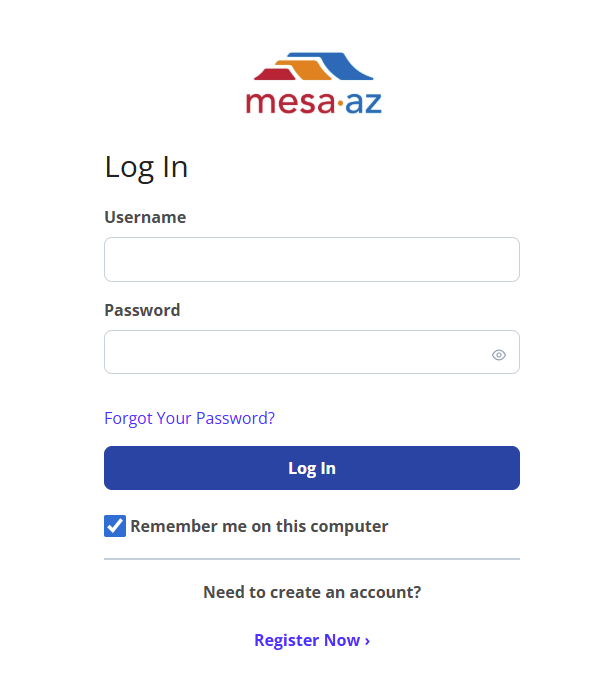
In the new system [insert name of platform] to register, select Register in the top, right-hand corner. You’ll be prompted to provide create a username, provide a valid email address, a password and acknowledge that you’ve read, understand and agree to the Terms of Service.
To register in Public Portal as a public user
-
Select Register.
-
Enter Public user registration details, including:
-
Username
-
Email
-
Password
Tip: The password requirements display as you type. You must have a valid password to register.
-
-
Acknowledge you have read the Terms of Service by selecting the check box.
-
Select Submit.
-
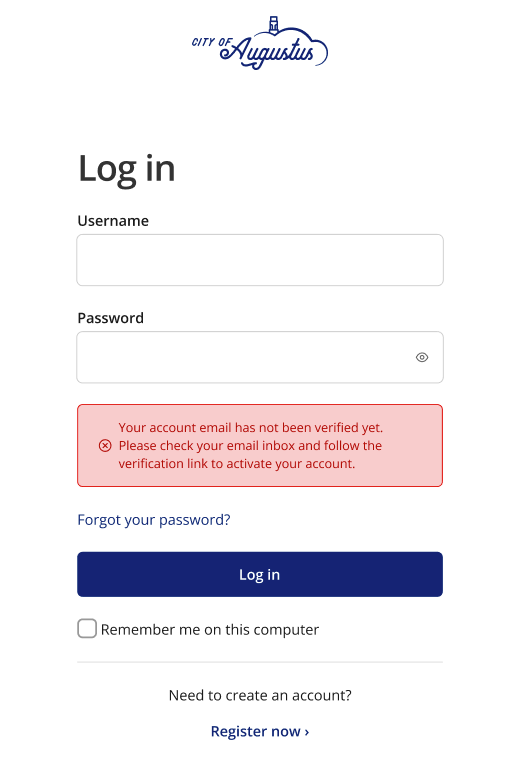
Now, validate your registration by completing the verification email. If you have not verified your registration via email, you will receive an error if you attempt to log in.
-
After you have verified your email, you will be taken back to [insert name of platform] to log in.
Note: If the verification email expires before you confirm, the link will direct you back to the reset screen to reenter your email.
Public user registration details
When you first register, you will need to create an account name and password. There are allowed and disallowed characters in the username field, as well as a length requirement.
-
Allowed characters
The pattern accepts two or more of the following characters:
-
Letters: a–z, A–Z
-
Digits: 0–9
-
Special Characters:
-
!, $, %, &, =, ?, ¡, *, ], _, -, ., ,, +, ^, |, ¬, °, ´, [
-
-
-
Disallowed characters
Any character not listed above will cause the validation to fail. Examples include:
-
Spaces
-
Accented letters (á, é, etc.)
-
Emojis
-
Symbols like @, #, /, "
-
-
Length requirement
-
The username must contain at least two valid characters.
-
Empty strings are not allowed.
Examples: Below are valid examples.
-
User123
-
hello_world!
-
abc$%&=
-
¡Hola_2025
Examples: Below are invalid examples.
-
john doe (contains space)
-
user@domain (contains @)
-
 See also