Include or exclude the copyright or logo in the user home page footer
You can choose to include or exclude copyright notice text, a logo, or an image in the footer of the public user home page.
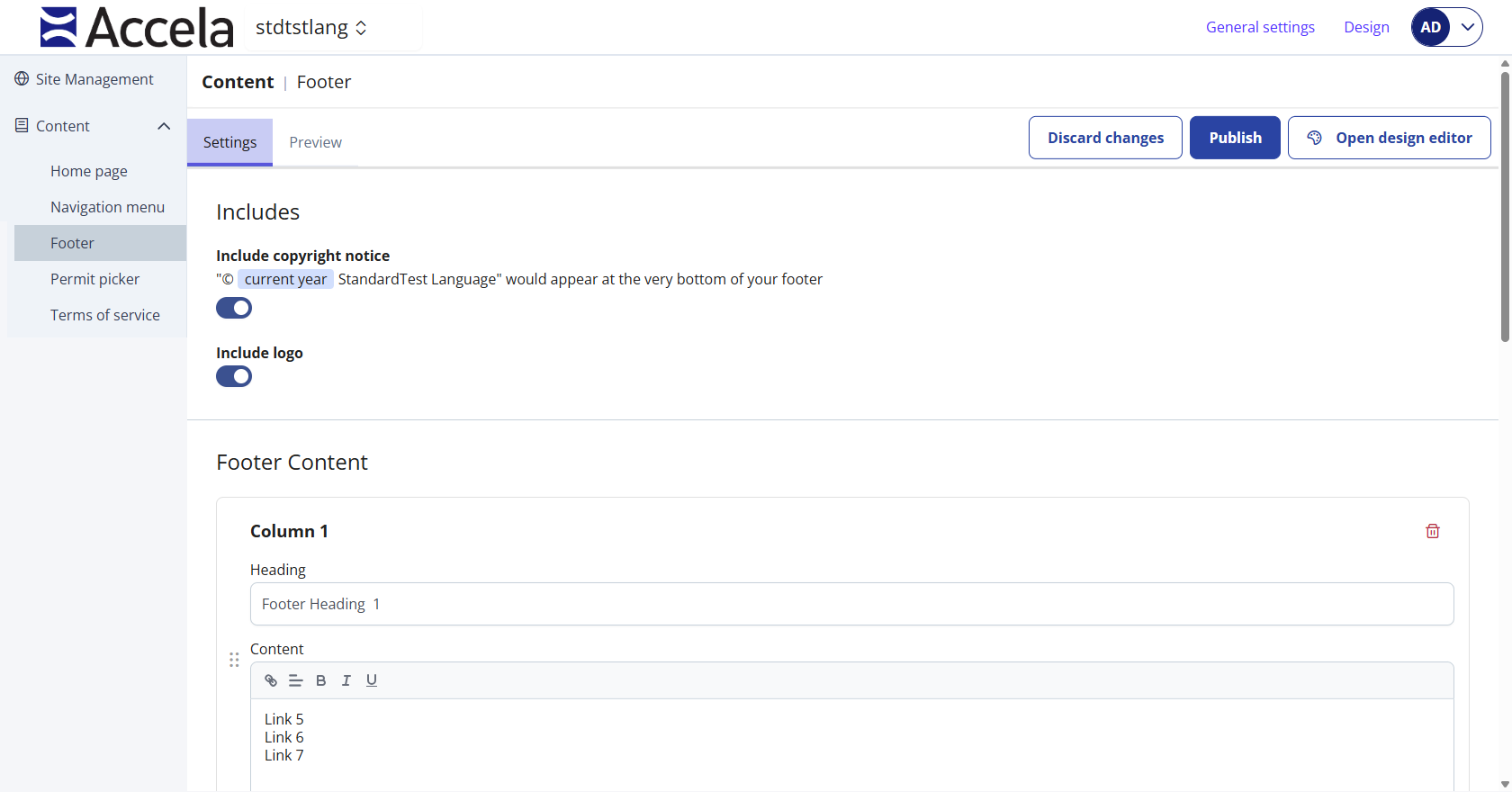
Include or exclude copyright notice
-
From Public Portal administration, select Content > Footer.
-
In the Includes section, select the toggle for the Include copyright notice to On.
-
To exclude the copyright notice, select the toggle to Off.
-
-
Select Publish to save your changes to the public user home page.
-
Select Discard changes to undo your changes.
-
Include or exclude logo
-
From Public Portal administration, select Content > Footer.
-
In the Includes section, select the toggle for the Include logo to On.
-
To exclude the copyright notice, select the toggle to Off.
-
-
Select Publish to save your changes to the public user home page.
-
Select Discard changes to undo your changes.
-
 See also