Footer design editor
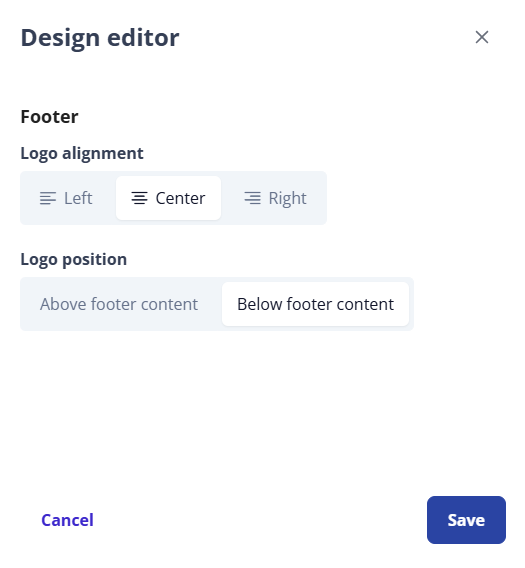
User the footer design editor panel to configure the organization of your footer content in the user-facing Public Portal.
Design the footer
-
From Public Portal administration, select Content > Footer.
-
In the Footer screen, select Open design editor.
-
Select the Logo alignment and Logo position settings.
Tip: You can preview your design changes live by selecting the Preview tab and then opening the Design editor. -
Select Save.
-
Select Close to close the Design editor without saving your changes.
-
-
Select Publish to save your changes to the public user home page.
 See also