Enable or disable the Public Portal dashboard
The Public Portal dashboard provides registered users with a centralized view of their transaction records, outstanding actions, recent activity, and high-level stats (e.g., fees due, number of licenses). When enabled, it replaces the legacy Accela Citizen Access dashboard for authenticated users.
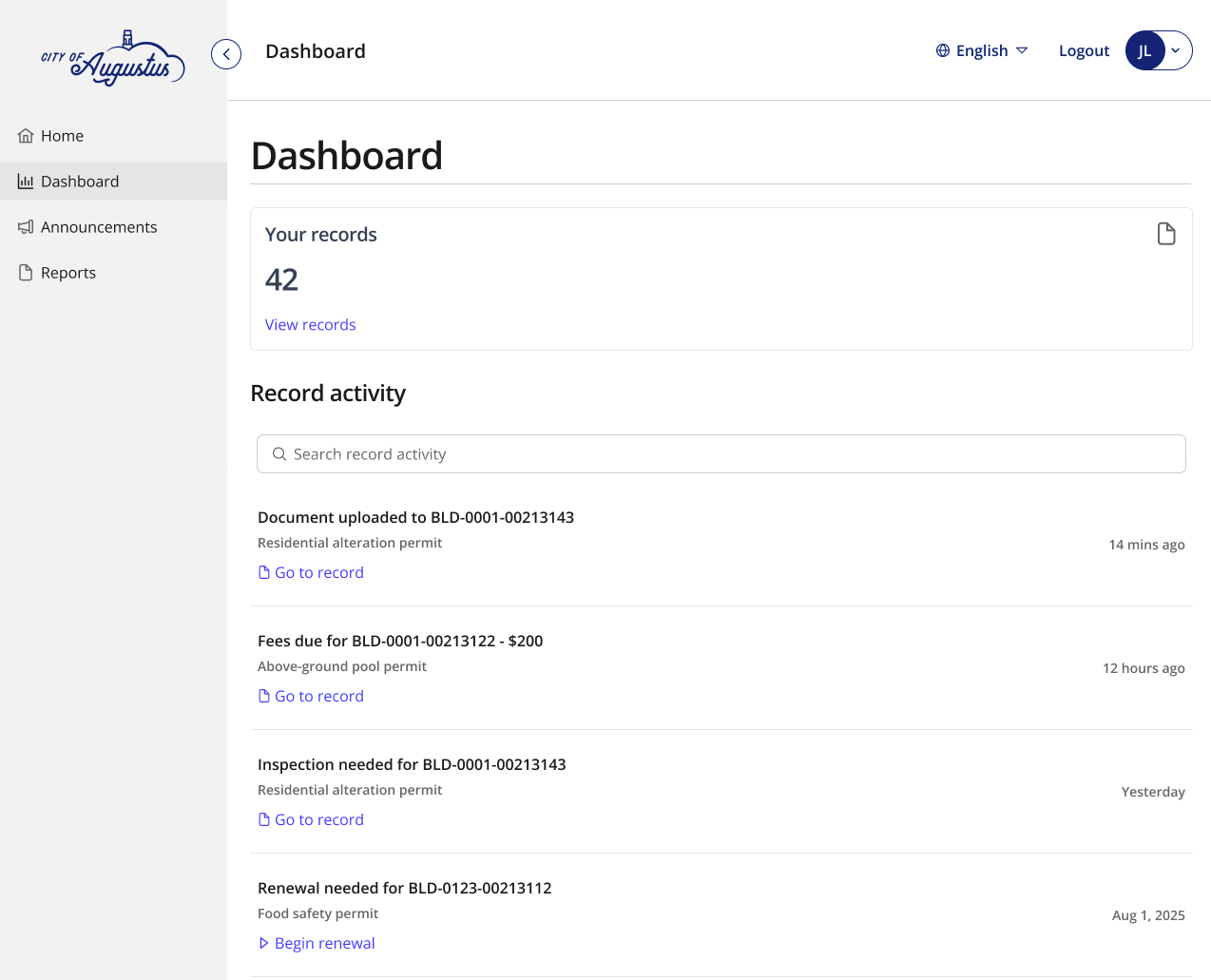
To enable or disable the Public Portal dashboard
-
Log in to Civic Platform.
-
Select the user account icon > Administration .
-
From the Administration menu, select Administration > Public Portal.
-
Select Site management.
-
Select the toggle to enable the Dashboard for public users in Public Portal. You can select the following options for the dashboard:
-
Public Portal dashboard: This option enables all the settings in your Content settings in Public Portal.
-
Legacy ACA (Accela Civic Platform): This option enables all the settings for your ACA dashboard set in your Accela Civic Platform.
-
None: This option removes the Dashboard link from the left pane navigation and does not show a Dashboard in Public Portal.
Note: If you have a custom wrapper, check where public users are redirected after they log in. If you turn on the new Public Portaldashboard and your wrapper is redirecting users to the ACA dashboard, you’ll need to change the redirect to the Public Portal dashboard.
-
-
Select Publish to save your changes to the public user home page.
-
Select Discard changes to undo your changes.
Tip: You can Preview the Public Portal dashboard.
-
 See also