Site management
You can use Site management in Public Portal administration to complete the following tasks:
To access Site management
-
Log in to Civic Platform.
-
Select the user account icon > Administration .
-
From the Administration menu, select Administration > Public Portal.
-
Select Site management.
View the Public Portal status
-
Log in to Civic Platform.
-
Select the user account icon > Administration .
-
From the Administration menu, select Administration > Public Portal.
-
Select Site management.
-
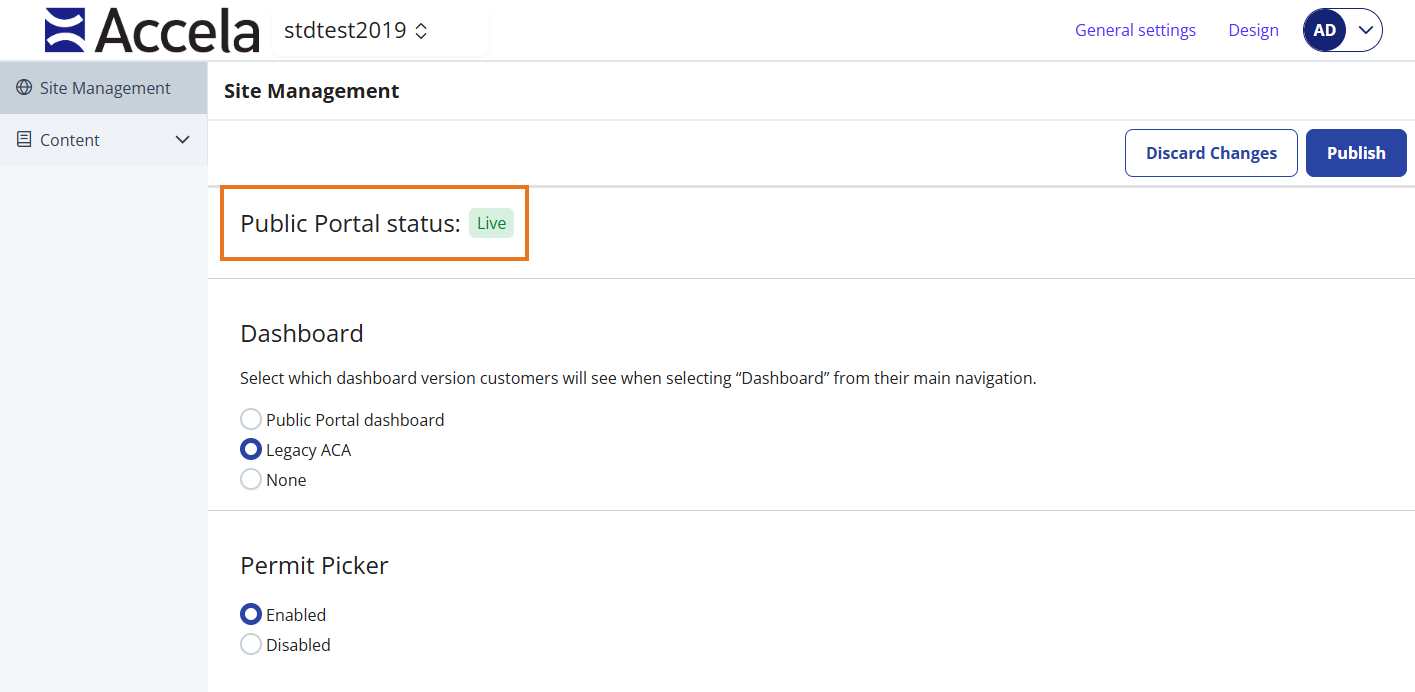
View the Public Portal status.
 See also