Add a title and subtext to the user home page
The title and subtext are the messages that greet the public user when they log in to your Public Portal user home page. You can configure these messages in the administration Home page screen. The title and subtext can change depending on your Home page version setting.
Tip: Preview the user home page when you make changes.
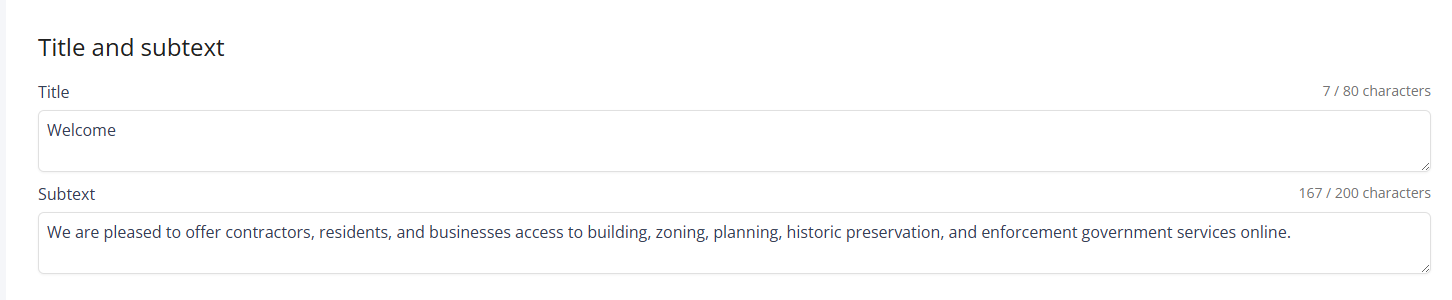
To add a title and subtext to the user home page
-
From Public Portal administration, select Content > Home page.
-
In the Title and subtext section, enter your title and subtext.
Notes:
-
The title cannot exceed 80 characters.
-
The subtext cannot exceed 200 characters.
-
-
Select Publish to save your changes to the public user home page.
-
Select Discard changes to undo your changes.
-
 See also