Change the administration site password
Change the administration site password to maintain site security. The system requires a password change after you log in for the first time.
To change the administration site password
-
If necessary, log in to the Accela Silverlight GIS Administration site.
-
Select the Agency settings link.

-
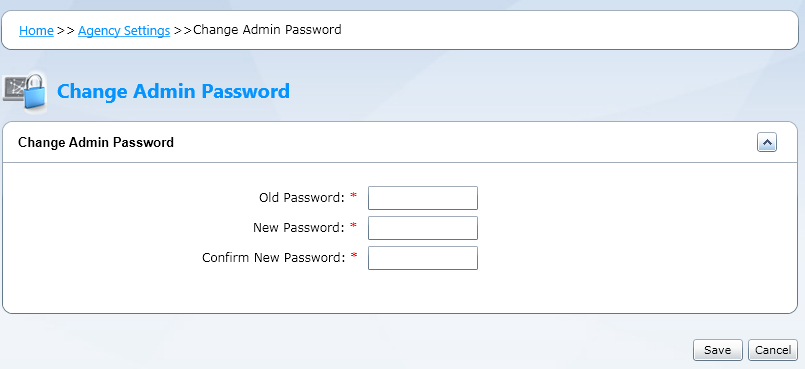
Select the Change admin password link.
-
Complete these fields:
Field Description Old password Enter the current administration site password. New password Enter the new administration site password. Confirm new password Re-enter the new administration site password. Note: Acceptable characters for the password include:
# & + ! @ $ % ^ * ( ) - _ = [ ] { } \ | / , . ? < > ` ~ -
Select Save.